Table of Contents
Smartphones have become the control centre for modern life. Banking, work, navigation, photos, authentication apps, health tracking, and even car access now depend on a device that most people carry 24/7. So when a phone suddenly freezes, refuses to charge, overheats, or drops into a boot loop, the panic is understandable.
The problem is that most online advice about how to fix phone issues is either too generic or dangerously oversimplified. In real-world repair environments, many devices become permanently damaged because owners try random “quick fixes” from social media before diagnosing the actual issue.
After years of observing repair workflows, manufacturer diagnostics, and common hardware failures across Android and iPhone devices, one pattern is clear: the best repair strategy is structured troubleshooting — not guessing.
This guide explains how professionals approach phone problems, what you can safely repair yourself, when to stop, and how to avoid turning a minor issue into a motherboard-level disaster.
Why Most Phone Problems Happen
Contrary to popular belief, most phone failures are not caused by dramatic accidents. Many develop slowly from heat stress, degraded batteries, charging damage, storage corruption, or moisture exposure that accumulates over time.
The most common causes include:
| Problem Source | Typical Symptoms |
| Battery degradation | Fast draining, random shutdowns |
| Charging port contamination | Slow charging or no charging |
| Software corruption | Freezing, reboot loops |
| Heat damage | Lag, battery swelling, shutdowns |
| Water exposure | Screen flicker, speaker issues |
| Physical impact | Cracked screens, touch failure |
| Cheap chargers/cables | Power instability |
| Full storage | Severe performance slowdown |
One overlooked issue is heat. Phones today run desktop-level workloads in extremely compact spaces. Repeated overheating damages batteries and solder joints quietly long before users notice performance problems. Similar long-term degradation is also commonly seen in tablets, particularly in devices requiring frequent ipad battery replacement after prolonged heat exposure and charging stress.
How to Fix Phone Issues Step by Step
1. Identify Whether the Problem Is Hardware or Software
This is the most important step professionals use before any repair.
Signs of a Software Problem
- Apps crashing
- Random lag
- Storage warnings
- Boot loops after updates
- Wi-Fi or Bluetooth glitches
- Battery draining after installing apps
Signs of a Hardware Problem
- Cracked screen
- No charging despite cable changes
- Black screen with vibration
- Water damage indicators triggered
- Bent frame
- Camera not focusing physically
- Overheating while idle
A common mistake is assuming every issue is “software.” In practice, swollen batteries, damaged charging ICs, and liquid corrosion frequently masquerade as software bugs.
How to Fix a Phone That Won’t Turn On
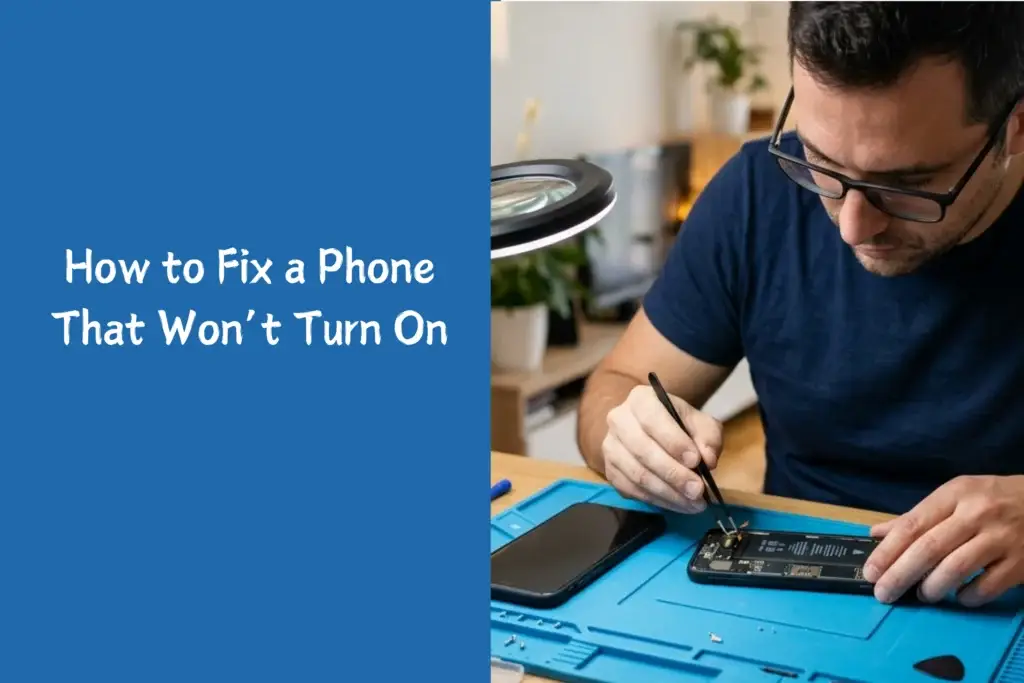
This is one of the highest-search repair problems online — and one of the most misunderstood.
First, Rule Out a Dead Battery
Leave the device charging for at least 30 minutes using:
- An original charger
- A tested cable
- A different power outlet
Many modern phones intentionally delay startup when batteries are deeply discharged.
Try a Forced Restart
iPhone
- Quickly press Volume Up
- Quickly press Volume Down
- Hold Side Button
Android
Usually:
- Hold Power + Volume Down for 10–20 seconds
Manufacturers use different combinations, so brand-specific instructions matter.
Check for Display Failure
Sometimes the phone is running but the display is dead.
Indicators:
- Vibrations
- Notification sounds
- Computer detection when connected via USB
This distinction matters because a display replacement is vastly cheaper than motherboard repair.
How to Fix Phone Charging Problems
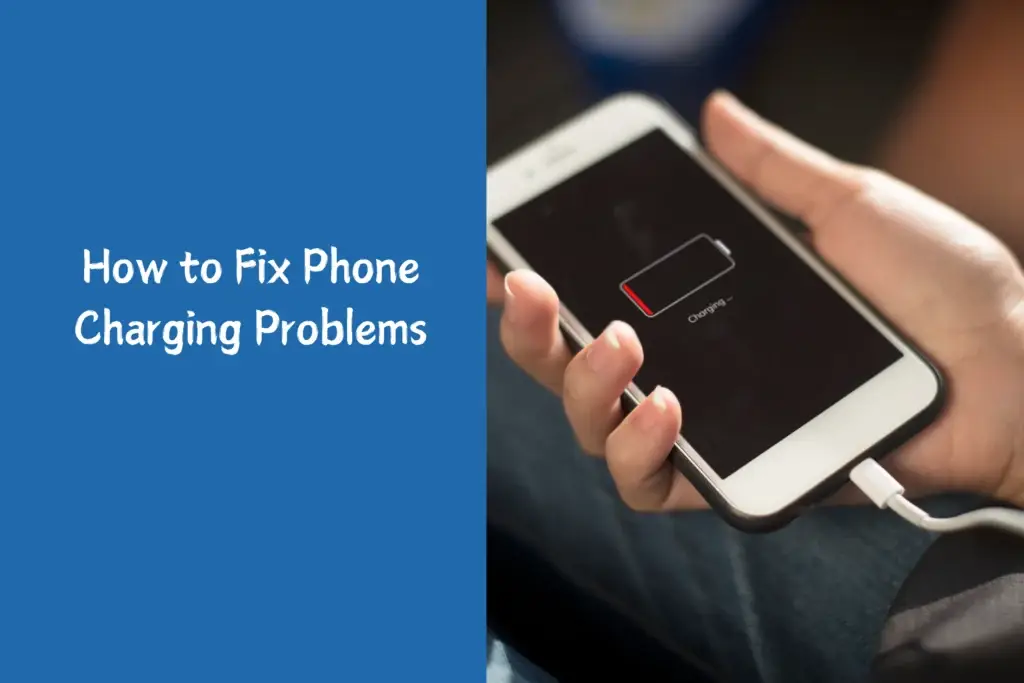
Charging issues are among the most profitable repair categories because they’re often simple.
Clean the Charging Port Properly
Pocket lint is responsible for an astonishing number of “dead charging ports.”
Safe method:
- Turn phone off
- Use a wooden or plastic toothpick
- Avoid metal tools
- Use compressed air carefully
Many users searching for how to clean iphone charging port problems are surprised to learn that compacted lint can completely block charging pin contact without causing visible damage.
In repair shops, technicians routinely remove compacted lint that prevents charging pins from seating correctly.
Test These Before Replacing Anything
- Another cable
- Another charger
- Wireless charging (if available)
- Different outlet
- Battery health settings
People often replace entire devices when the real issue is a $15 cable. Similar troubleshooting applies to tablets experiencing ipad charging issues, where faulty adapters or dust buildup are frequently mistaken for motherboard failure.
How to Fix Phone Battery Drain
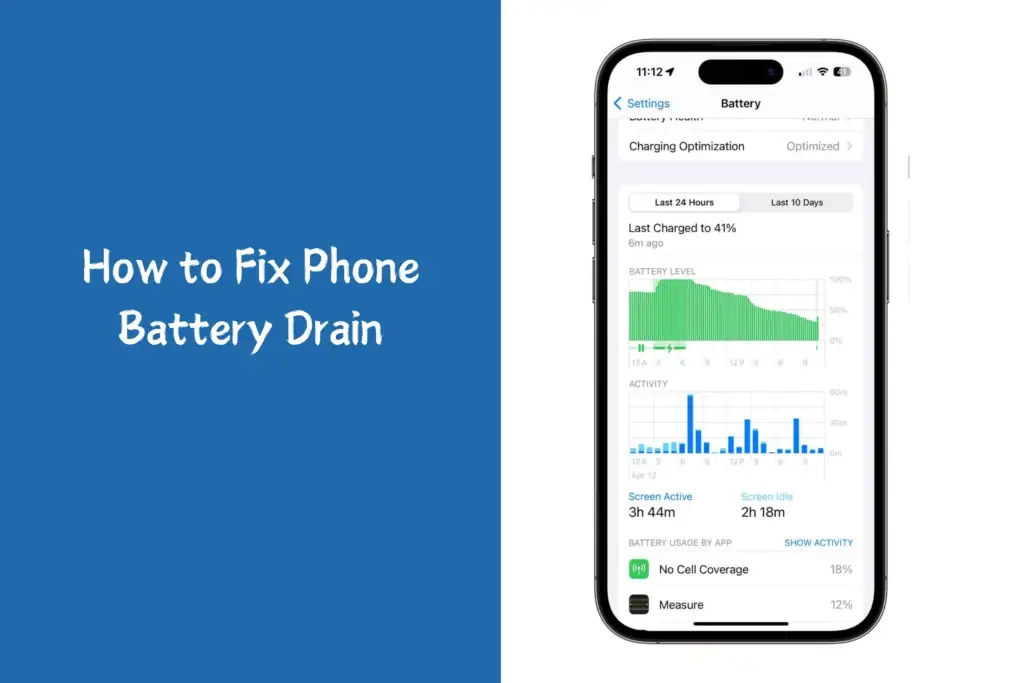
Battery complaints are rarely just “old battery” issues.
Check Battery Health
Settings → Battery → Battery Health
Below 80% maximum capacity usually indicates significant degradation.
Android
Many brands now include battery diagnostics in:
- Device Care
- Battery settings
- Hidden service menus
Hidden Battery Killers
Background Sync
Cloud storage apps and email refresh cycles quietly drain power.
Heat
Heat accelerates lithium-ion degradation dramatically.
Weak Signal Areas
Phones consume more power constantly searching for a cellular connection.
One lesser-known repair insight: users who frequently fast-charge while gaming often experience battery degradation much earlier than expected.
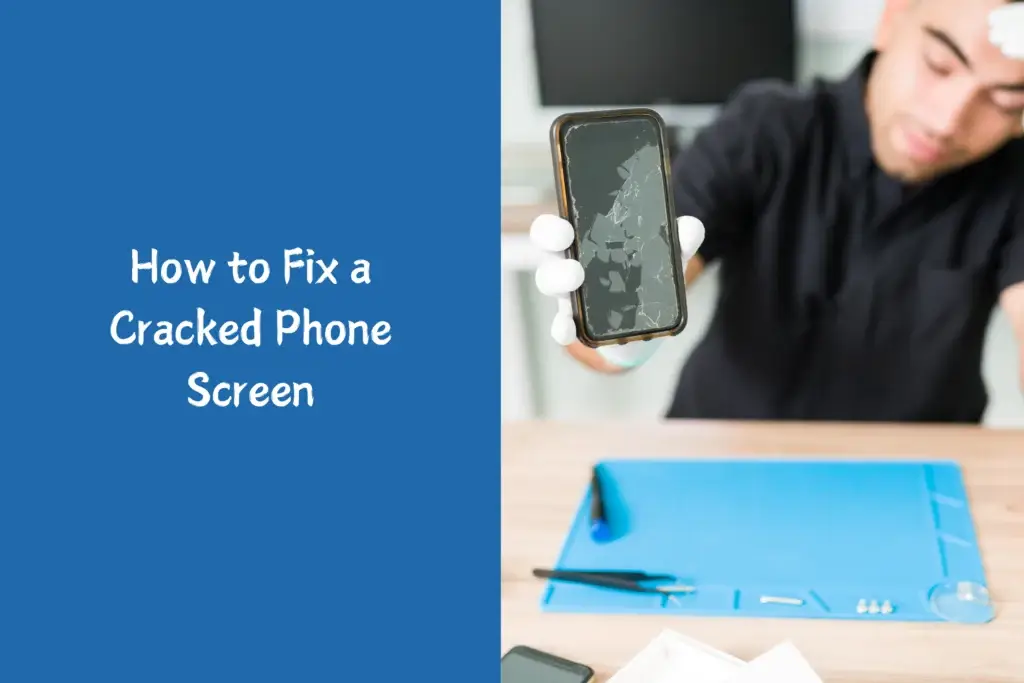
How to Fix a Cracked Phone Screen
Decide Whether the Damage Is Cosmetic or Functional
Cosmetic Damage
- Minor corner crack
- No touch issues
- No black spots
- No flickering
Functional Damage
- Ghost touches
- Dead pixels
- Green lines
- Touch failure
- Ink-like spreading
Functional damage almost always worsens over time.
Many users delay repairs because the phone still works, but small fractures can quickly evolve into full display failure requiring complete iphone screen repair rather than simple glass replacement.
DIY vs Professional Screen Replacement
| DIY Repair | Professional Repair |
| Lower cost | Better reliability |
| Risk of damaging components | Warranty protection |
| Requires specialty tools | OEM-quality fitting |
| Difficult waterproof sealing | Proper adhesive replacement |
Modern flagship phones are significantly harder to repair than older models. Face ID systems, under-display fingerprint sensors, OLED panels, and adhesive-heavy construction increase repair complexity.
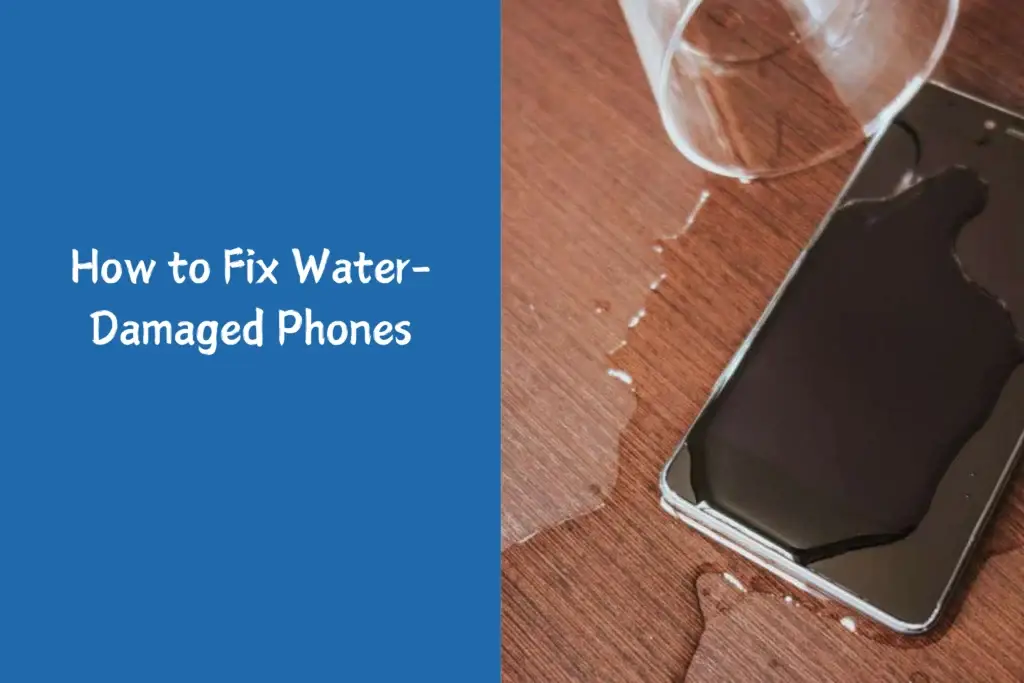
How to Fix Water-Damaged Phones
One of the biggest myths online is putting a wet phone in rice.
Why Rice Usually Doesn’t Work
Rice does not remove corrosion inside the device. By the time moisture symptoms appear, mineral deposits may already be damaging circuits.
Professional repair centres instead:
- Disconnect power immediately
- Open device
- Clean with isopropyl alcohol
- Use ultrasonic cleaning systems
- Inspect corrosion under magnification
What You Should Actually Do
- Power off immediately
- Do not charge it
- Remove SIM tray
- Dry the exterior gently
- Seek a repair assessment quickly
Timing matters. Corrosion becomes worse over days, not minutes.
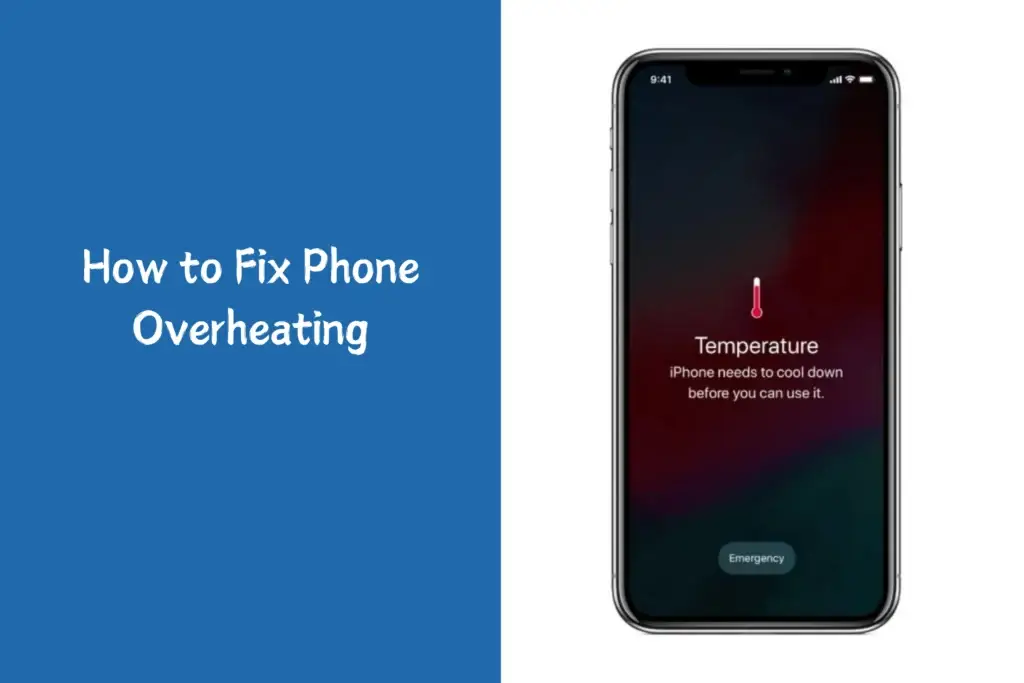
How to Fix Phone Overheating
Normal Heat vs Dangerous Heat
Phones naturally warm during:
- Gaming
- Video calls
- Navigation
- Fast charging
Danger signs include:
- “Temperature too high” warnings
- Shutdowns
- Hot while idle
- Battery swelling
- Heat near camera modules
Common Causes Professionals See
- Malware
- Faulty batteries
- Damaged charging ICs
- Poor-quality chargers
- Background crypto-mining apps
- Water damage residue
Overheating is often a symptom, not the root cause.
When Factory Resetting Helps — And When It Doesn’t
A factory reset is useful for:
- Severe lag
- Malware
- Storage corruption
- Persistent software instability
But it will NOT fix:
- Broken charging ports
- Swollen batteries
- Cracked screens
- Water damage
- Dead cameras
- Motherboard faults
Many consumers waste hours resetting devices with purely physical failures.
Common Mistakes People Make When Trying to Fix Phones
Using Cheap Charging Accessories
Low-quality chargers frequently cause:
- Voltage instability
- Excess heat
- Battery damage
- Charging IC failure
Ignoring Early Battery Swelling
A swollen battery is a safety risk, not merely a performance issue.
Signs:
- Screen lifting
- Soft pressure points
- Device wobbles on flat surfaces
Continuing to Charge Wet Phones
This dramatically increases corrosion risk.
Following Viral “Repair Hacks”
Freezing phones, baking them, or using excessive heat tools often creates irreversible damage.
When You Should Stop DIY Repairs
There’s a point where continued experimentation becomes financially dangerous.
Seek Professional Repair If:
- The phone smells burnt
- Battery is swollen
- Device overheats severely
- Water entered internally
- Face ID or biometric systems fail
- Motherboard-level damage is suspected
Board-level repair now requires microscope soldering, thermal cameras, schematic tracing, and specialised diagnostic equipment.
Is Repairing a Phone Worth It?
Usually Yes — But Not Always
A good rule used in repair economics:
Repair Makes Sense If:
- Cost is under 40–50% of replacement value
- Device still receives security updates
- Storage/performance still meets needs
Replacement Makes More Sense If:
- The motherboard is damaged
- Multiple major components failed
- Repair cost approaches new-device pricing
- Device no longer receives updates
Security support matters more than many users realise. An old, unsupported phone can become a genuine privacy risk.
Expert Checklist Before Repairing Any Phone
Do This First
- Backup data
- Remove SIM card
- Check warranty status
- Test another charger
- Inspect for swelling
- Record symptoms carefully
Avoid This
- Random YouTube repair hacks
- Metal tools in charging ports
- Cheap batteries
- Non-certified charging bricks
- Heating devices excessively
Final Thoughts
Learning how to fix phone problems effectively is less about memorising tricks and more about understanding diagnosis. Professionals rarely begin repairs by replacing parts blindly. They isolate variables, test systematically, and identify whether the issue is power-related, software-related, thermal, or physical.
That mindset alone prevents many expensive mistakes.
The reality is that modern smartphones are highly engineered devices with tightly integrated components. Some repairs are absolutely manageable at home. Others require specialised tools, calibration software, and technical expertise.
The smartest approach is knowing the difference.