Table of Contents
If your Telstra Smart Modem Gen 3 still keeps the household online, it is fair to wonder whether a newer box is worth the effort. Telstra’s latest model promises faster Wi-Fi and stronger backup, but faster on paper does not always mean faster in your lounge room.
Here is what actually changed, who gains most from a newer Telstra wifi modem, and when it makes sense to stay put.
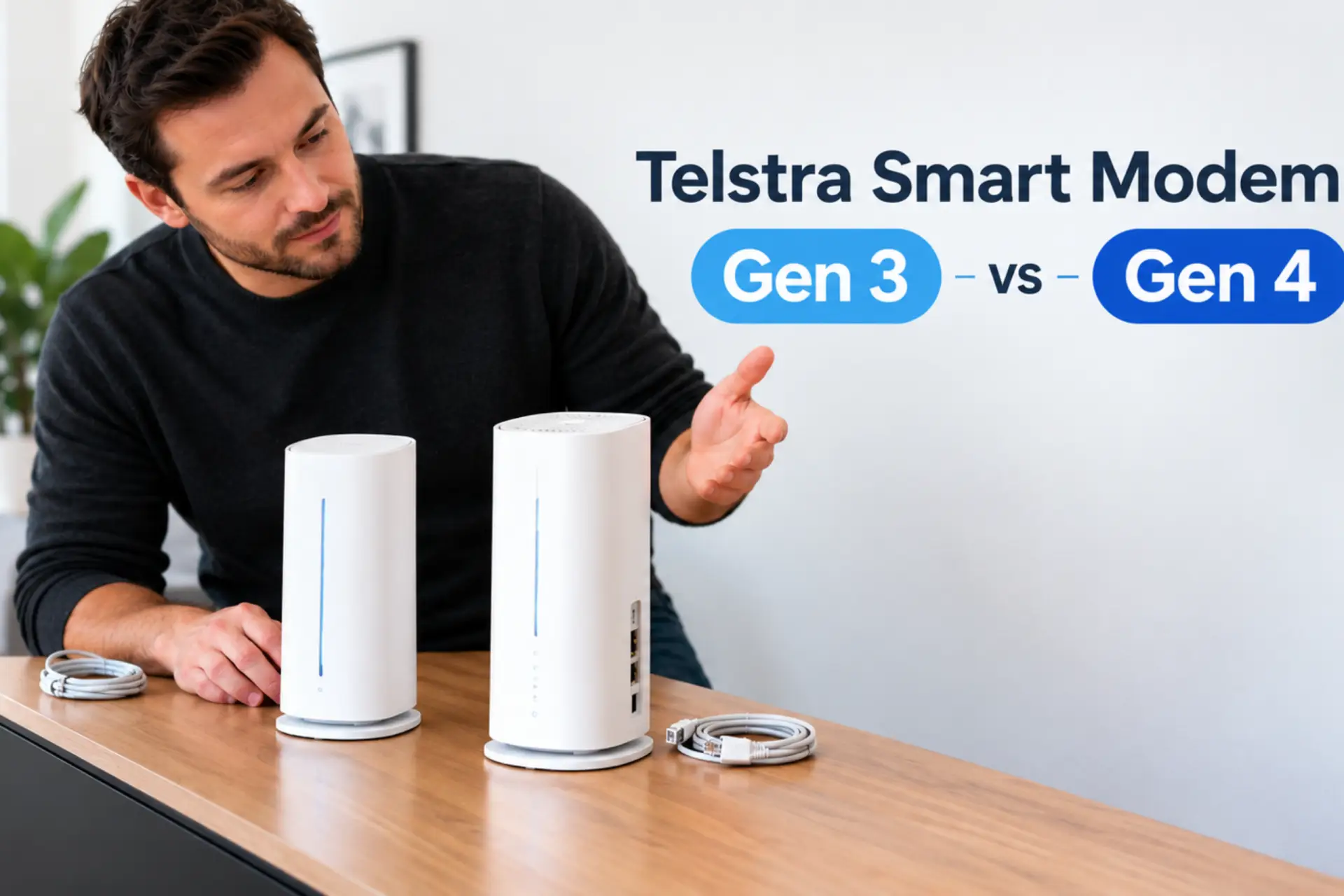
What is the difference between Telstra Smart Modem Gen 3 and Telstra Smart Modem Gen 4?
Both are Telstra Smart Modem models that combine a modem and router with a backup SIM inside, so they look similar at first glance. The key changes are on the inside:
| Feature | Gen 3 | Smart Modem 4 |
| Wi-Fi standard | Wi-Fi 6 | Wi-Fi 7 |
| Mobile backup | 4G | 5G |
| Multi-Link Operation | No | Yes, on Wi-Fi 7 devices |
| Fastest Ethernet port | 1Gbps | 1Gbps |
| Tactile port labels | No | Yes |
| Supplied to new customers | No longer | Yes, since August 2025 |
In short, the Telstra Smart Modem 4 brings newer Wi-Fi, stronger backup and better accessibility, while the everyday basics stay much the same.
Is Wi-Fi 7 actually faster than Wi-Fi 6?
Yes, as long as your devices support Wi-Fi 7. A Wi-Fi 7 phone or laptop can use Multi-Link Operation, which lets it connect over the 2.4GHz and 5GHz bands at the same time for a steadier, faster connection. Older devices simply connect the way they always have.
Keep in mind that neither model includes the 6GHz band, and your NBN plan still sets the ceiling. If your plan is NBN 100 or below, the Gen 3’s Wi-Fi is already quicker than the internet feeding your home. The gap only becomes noticeable on faster plans with newer devices.
Does the Gen 4 have better backup?
This is the most practical upgrade. The older model relies on 4G backup, while the Smart Modem 4 is the first Telstra modem to switch to 5G when your NBN drops out, as long as you are on an eligible plan and within coverage. Backup speeds on home internet are capped at 25/5Mbps for both models, so the real benefit of 5G is a stronger, more reliable signal rather than extra speed.
Many people searching for the Telstra Smart Modem Gen 3 with voice backup want to know whether their home phone keeps working during an outage. Both models come with a home phone port, so you will not lose that feature when upgrading.
Can the Smart Modem 4 handle NBN 2000?
No. Each Ethernet port on the modem, including the one that connects to the NBN, is limited to 1000Mbps (1Gbps). If you plan to move to a multi-gigabit plan, you will need different hardware, no matter which Telstra wifi modem you currently use.
How much does it cost to upgrade?
- New customers: the Smart Modem 4 is included on eligible plans. If you leave within 24 months, you will need to return it or pay a $200 non-return fee.
- Existing customers: at launch, it cost $240 upfront or could be paid off over up to 24 months. Prices can change, so check the current offer first.
Good news: Your old modem does not have to end up in a drawer either. Telstra stores accept old modems for recycling through the eCycle program.
Will my devices reconnect after upgrading?
They can, with one simple step. Give your new Telstra modem the same Wi-Fi name and password as your old network, and your phones, TVs and smart devices will reconnect automatically.
Will my Wi-Fi boosters still work?
Yes. The Telstra Smart Modem 4 supports EasyMesh, so it works with Telstra Smart Wi-Fi Boosters. Note: The boosters connect at Wi-Fi 6 speeds, so a new Telstra modem paired with older boosters will not deliver full Wi-Fi 7 performance in every room.
So, should you upgrade from the Telstra Smart Modem Gen 3?
You should upgrade to the Gen 4 if you:
- Have a faster NBN plan and several Wi-Fi 7 phones or laptops
- Work from home and want stronger backup during outages
- Want tactile port labels and shaped buttons for easier setup by touch
You should stay with your Gen 3 if you:
- Are on NBN 100 or slower and your Wi-Fi reaches every room
- Own a Telstra Smart Modem Gen 3 with voice backup that already covers your calls and internet without fuss
- Mainly use older devices that cannot take advantage of Wi-Fi 7
For most homes, the Gen 3 still performs well. Upgrading is a bonus rather than a necessity, unless backup reliability or newer devices matter most to you.
Find the right modem with Roly’s Mobiles
Still weighing up whether to keep your current Telstra Smart Modem or move to the latest model? Roly’s Mobiles is a Telstra partner store in Shepparton and Cobram, VIC. Our team checks your plan, your devices, and your home setup. Then we give you honest advice on whether an upgrade is worth it.
We can also set you up with a Telstra NBN or 5G home internet plan along with the right modem. Drop into either store or contact Roly’s Mobiles today to get your Telstra modem sorted.